
Introduction:
Are you searching for the best free UI/UX design course online but not sure where to start? Don’t worry—you are not alone. Today, UI/UX design is one of the most popular skills, and many beginners feel confused about how to begin.
Don’t worry — this guide will show you the right free courses, simple steps, and beginner tips to start learning UI/UX design easily
What you will learn (3 main things):
- Best free UI/UX courses available in 2025
- Beginner tips to learn UI/UX without stress
- Answers to common questions like “Is UI/UX easy?” and “Will AI replace designers?
What is UI/UX Design?
UI/UX design is about how a website or app looks and works.
- UI (User Interface): This is the design part you can see — colors, buttons, fonts, icons, and images. A good UI makes a product look clean and attractive.
- UX (User Experience): This is how the user feels when they use the product. A good UX means the app or website is simple, fast, and easy to understand.
Example: If an online shop looks beautiful (UI) but is hard to buy from (bad UX), people will leave. If it is easy to use (good UX) but looks boring (poor UI), people may not enjoy it.
For beginners, it is important to start with UI/UX design basics for beginners. Once you learn the basics, you can slowly move to advanced design skills.
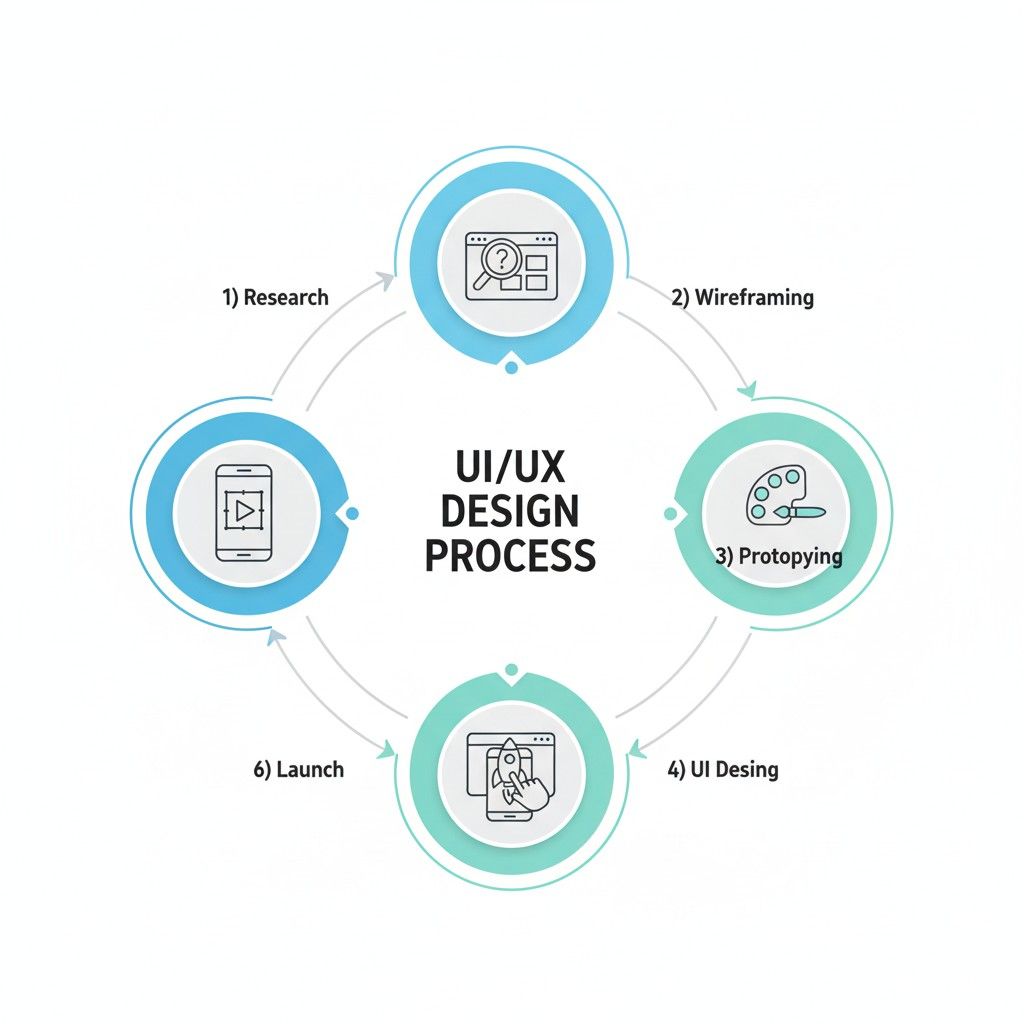
Is UI/UX Easy to Learn?
Many beginners ask, “Is UI/UX easy to learn?” The good news is — yes, it can be learned step by step if you follow the right plan.
Here’s why UI/UX is beginner-friendly:
- No need for deep coding skills – Most UI/UX tools like Figma or Adobe XD are drag-and-drop.
- Free learning resources – There are many free courses, YouTube videos, and blogs to start learning.
- Creative and practical – If you like solving problems and designing, you will enjoy learning UI/UX.
But remember: practice is important. You cannot master UI/UX in one day. By practicing daily and working on small projects, learning becomes easier.
So, is UI/UX easy to learn? Yes, with the right free courses and consistent practice, anyone can get started.
Can I Learn UI/UX by Myself?
Many beginners wonder, “Can I learn UI/UX by myself?” The answer is yes — you absolutely can.
Today, learning has become easier than ever because so many free resources are available online. You don’t need to join an expensive institute right away. Here’s how you can start on your own:
- Take Free Courses – Platforms like Big Learn offer step-by-step lessons for beginners.
- Practice Daily – Open a free tool like Figma and try redesigning your favorite app or website. Small practice builds big skills.
- Follow Design Communities – Join groups on LinkedIn, Reddit, or Discord where designers share tips and feedback.
- Learn from Real Examples – Notice how apps like Instagram or Spotify are designed. This will teach you how UI and UX work together.
So, can I learn UI/UX by myself? Yes. If you stay consistent, explore free courses, and practice a little every day, you can become a good designer without spending money at the start.
Best Free UI/UX Courses Online in 2025
1. BigLearn Online – UI/UX Design Course :
# BigLearn UI/UX Course
BigLearn Online offers a structured UI/UX course where you get some free beginner lessons to understand the basics like design principles, wireframing, and Figma setup. However, to access advanced modules, you’ll need to upgrade to the paid version. This is a great option if you want to test the basics for free first before deciding to go deeper.
Beginner UI/UX Tips while learning:
- Start with free lessons before investing in paid ones. A good place to begin is the BigLearn Online UI/UX Course, which gives you free beginner modules before moving into advanced paid lessons.
- Practice small design projects daily. Even redesigning a simple app screen can build confidence.
- Share your work in online groups for real feedback. Communities like Reddit or Dribbble are great for this.
- Focus on learning tools like Figma early on, as most modern UI/UX workflows depend on it.
- By following these steps — and starting with BigLearn’s free UI/UX lessons — you can quickly build a strong foundation in design. Later, when you feel confident, you can decide whether to upgrade to advanced paid training.
Real-Life UI/UX Design Examples:
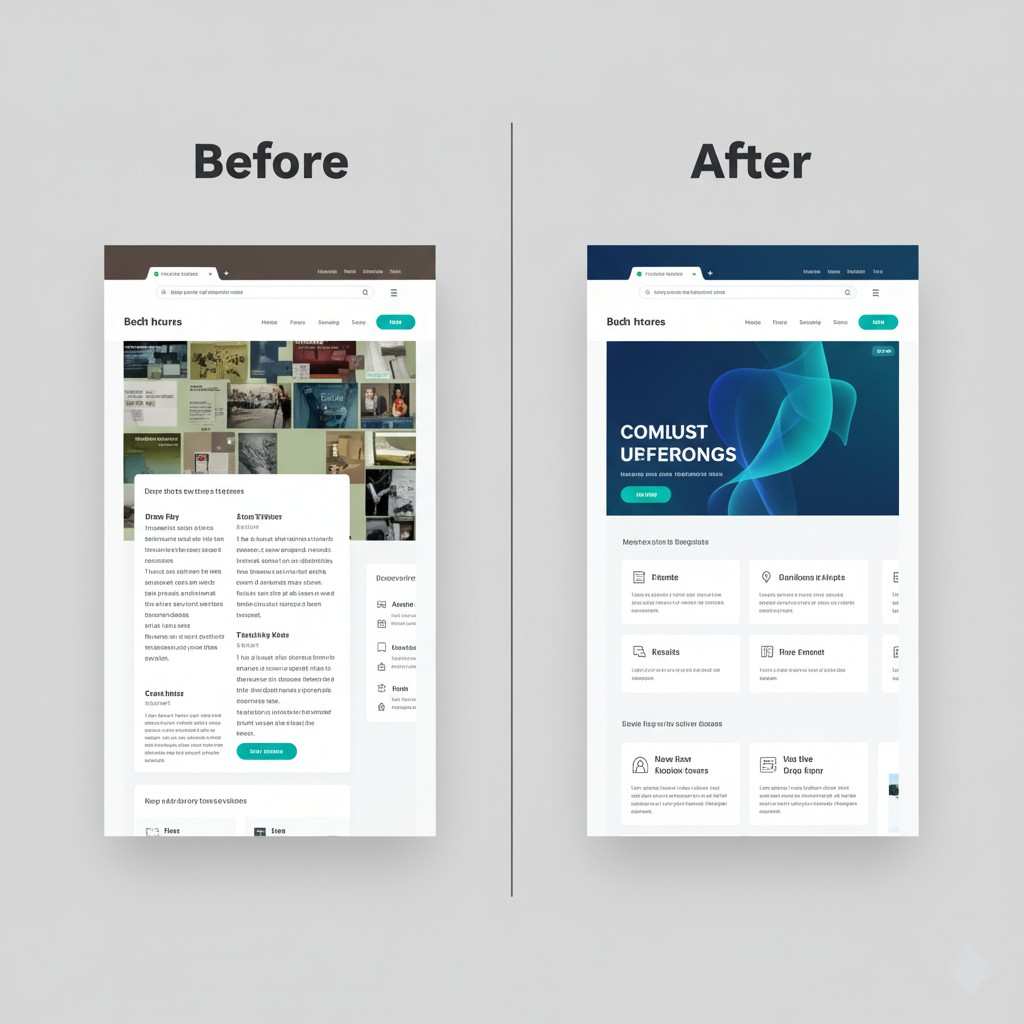
The image above clearly shows how effective UI/UX design can completely change a website’s look and performance. In the “before” version, the layout feels crowded and confusing, making it hard for users to focus. But in the “after” version, a cleaner layout, clear visuals, and modern colors create a smoother and more enjoyable experience. This is the true power of UI/UX — improving both beauty and usability to increase engagement and conversions
Start Free, Go Pro: Upgrade to Advanced UI/UX Training:
Start your UI/UX design journey with free lessons to learn the basics — it helps you understand the tools, design process, and user experience concepts without any cost. Once you build confidence and want to go deeper into real-world projects and advanced design systems, you can move to paid UI/UX courses. These advanced courses provide expert mentorship, portfolio guidance, and hands-on training that can fast-track your career growth.
Hybrid UI/UX Training – Learn Online and Practice Offline
Big Learn offers a unique hybrid UI/UX training program that gives you the freedom of online learning and the confidence of offline support. You can watch lessons from home at your own pace, then attend in-person practice sessions in our center for real feedback, doubt clearing, and project guidance. This mix of online comfort and offline mentoring helps beginners learn faster, stay motivated, and build a strong UI/UX portfolio with expert support at every step.
Conclusion:
Learning UI/UX design is easier than ever with free resources and simple practice. Beginners can start small, learn tools like Figma, and gradually improve their skills.
If you are looking for the best free UI/UX design course, begin with beginner lessons first. Try the BigLearn Online UI/UX Course — it offers free beginner topics and advanced modules if you want to go further.
Common Questions About UI/UX Design:
AI will not fully replace UI/UX designers. In 2025, a survey showed 53% of designers believe AI only automates repetitive tasks. Experts like Figma’s CEO confirm human creativity, empathy, and problem-solving remain essential. AI is a tool to assist, not a replacement, in UX and UI workflows
Yes, UI/UX design can be learned without coding. Tools like Figma and Webflow allow beginners to create prototypes and designs visually. A 2025 industry report shows over 60% of designers use no-code tools daily, making learning accessible even for non-technical beginners.
No degree is required to become a UI/UX designer. Many professionals enter the field via online courses, bootcamps, or self-study, while building portfolios. Surveys show over 50% of UX designers have no formal UX degree, proving practical skills and experience matter more than formal education.
It usually takes 6–12 months to learn UI/UX fundamentals with regular practice. Beginners starting with free courses and mini projects can gain practical skills faster. Consistent practice, building a portfolio, and experimenting with tools like Figma are key to becoming job-ready in under a year.